
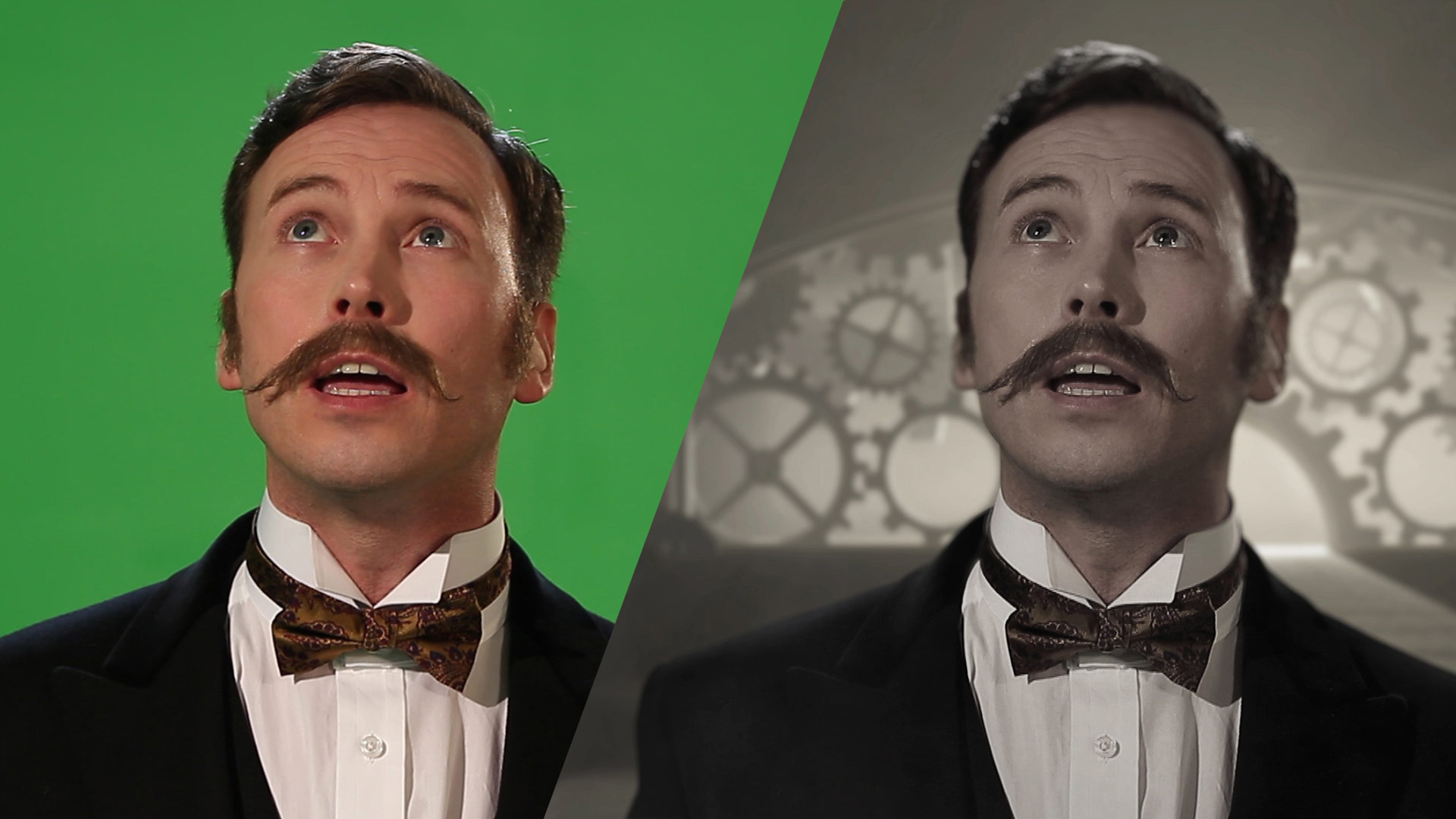
Corrections - what we can and can't do in post
When editing a video, there are certain corrections that can be made, as well as limitations on what can be achieved.
Here are some common corrections that can be made during video editing:
- Trimming and cutting: We can remove unwanted sections from the video, such as mistakes, pauses, or unnecessary footage. We can also cut between cameras or screen footage to improve interest and switch between takes if there's a stumble in delivery.
- Colour correction: Adjusting the colour and contrast of the video can enhance its overall look and feel. We can fix issues like white balance, exposure, saturation, and tint. We intentionally film in a flat colour format which means the 'rushes' might appear a little washed out. But, this gives us the biggest dynamic range to adjust colours in post.
- Audio adjustments: We can modify the audio levels, reduce background noise, and apply filters or effects to enhance the sound quality. But, the better the audio at the point of record, thee better the final output will be, too many cuts between takes starts to look jarring to the viewer.
- Stabilization: If the footage is shaky or unstable, we can use video stabilization techniques to smooth out the motion. We often use equipment with a built-in gimbal for stabilisation.
- Transitions and effects: Video editing software provides a variety of transitions and effects to enhance the visual appeal and flow of the video.
- Text and titles: We can add text overlays, titles, subtitles, or captions to provide information or improve the viewer's understanding. We often call these 'Lower-thirds'
- Speed adjustments: Video editing allows us to change the playback speed of clips, creating slow-motion or time-lapse effects. For super slo-mo effects these require specialist cameras operating at incredibly high frame rates.
- Cropping and resizing: We can crop or resize the video frame to focus on specific areas or adjust the aspect ratio for different platforms. By filming in 4k resolution we can crop into areas and the end result will likely remain as HD, but to avoid pixelation, the higher resolution the better at the start.
However, there are certain limitations to what can be achieved during video editing:
- Resolution limitations: The quality of the original footage sets the upper limit for the final video quality. Editing cannot magically improve the resolution beyond what is captured initially. There are methods to up-res footage but these should be used as a last resort as the quality will decrease.
- Overexposed or underexposed footage: While some adjustments can be made to correct exposure issues, severely overexposed or underexposed footage may be challenging to salvage.
- Focus issues: If the footage is out of focus, it is difficult to recover sharpness during editing. We can make slight improvements, but it may not fully restore the intended focus.
- Missing or distorted footage: If the video is missing essential parts or suffers from severe distortion, editing can only do limited corrective measures. In such cases, re-shooting or using alternative footage may be necessary.
- Audio quality: Editing can improve audio to some extent, but if the original recording has significant background noise or distortion, complete restoration may be difficult.
Overall, video editing offers a wide range of corrections, but it's important to have high-quality source material to achieve the best results. Aim to get the best footage at the start to avoid noticeable jumps in sequence, colour mismatches between scenes and to avoid extending costly editing time.

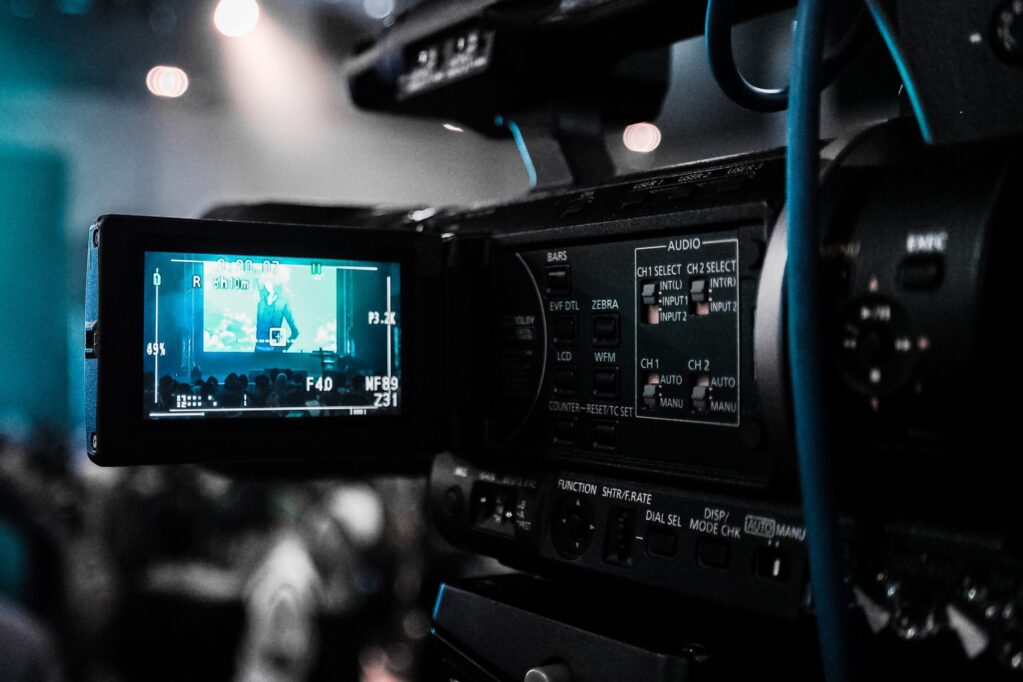
How much does video cost?
You know what we're going to say, don't you? How long is a piece of… videotape.
Well, videotape is long gone and so have some of the prohibitive cost of making videos. Kit is smaller, lighter and you can move quickly but as you can imagine, costs can still vary wildly depending on the project specifics and it's all about the detail.
The below costs are ballpark figures, actual projects can vary wildly in complexity and procedures.
Video testimonial costs
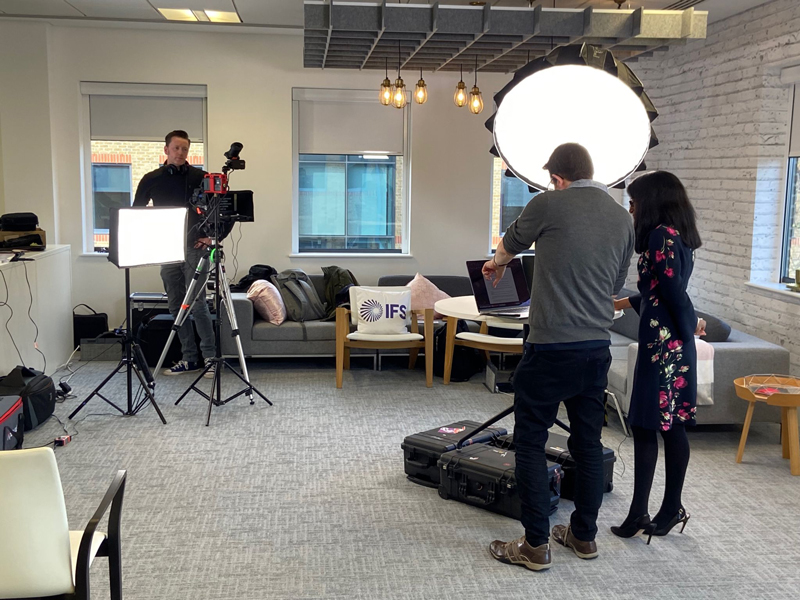 Ideally, you'd be looking at a 2 person team (director and a skilled lighting camera operator) and at least 2 cameras. Setup time will be around 2 hours, filming will probably take around 1 - 2 hours and acquiring some strong B-roll footage would likely take another couple of hours. You could expect to get a first draft around 3 working days later and with up to 2 rounds of amends your finished article could be available 7 working days later.
Cost: in the region of £4,000
The cost of Animation
With a bespoke animation, a lot of the cost is in the pre-production and design stages. You're aiming really to get the script and storyboard as close to the final thing before production starts so the animators are only making assets and movements once. With a good brief and responsive sign-off procedure, a script and storyboard could take a minimum of 3 working days. Depending on the complexity and if assets need creating or not, the first draft animation could take a further 5 days. Amends and voiceovers might take another 2 days and a final animation could be ready within 10 working days from start to finish.
Cost: in the region of £6,000
Corporate video cost
This can be a very open brief, but if we take the 2 routes a corporate video often takes we can put some guesswork in. The cheaper route might involve writing the script, storyboarding and arranging voiceovers, product demos and stock footage. From a good brief, this could take 10 working days and have a cost of around £5,000 (not including stock footage costs). The more creatively crafted and professional route might mean filming which means crew, travel. If we consider additional motion graphics, maybe some drone capture and a lot of creative editing.
This could easily take 20 working days and have a cost of around £15,000
Product launch or commercial
If you want to get really creative this is where it's at. It could involve a lot more project management, shooting footage in multiple locations, building sets, arranging actors and props, recording voice overs, applying visual effects all with some incredible attention to detail. The result will be unique, highly polished and have creative flair, but this takes time.
You could expect to take 30 working days and require a budget of around £35,000.
These are all finger-in-the-air costs and timescales, but we hope they at least give you some sort of idea of how affordable or expensive video can be in general.
Want to get in touch?
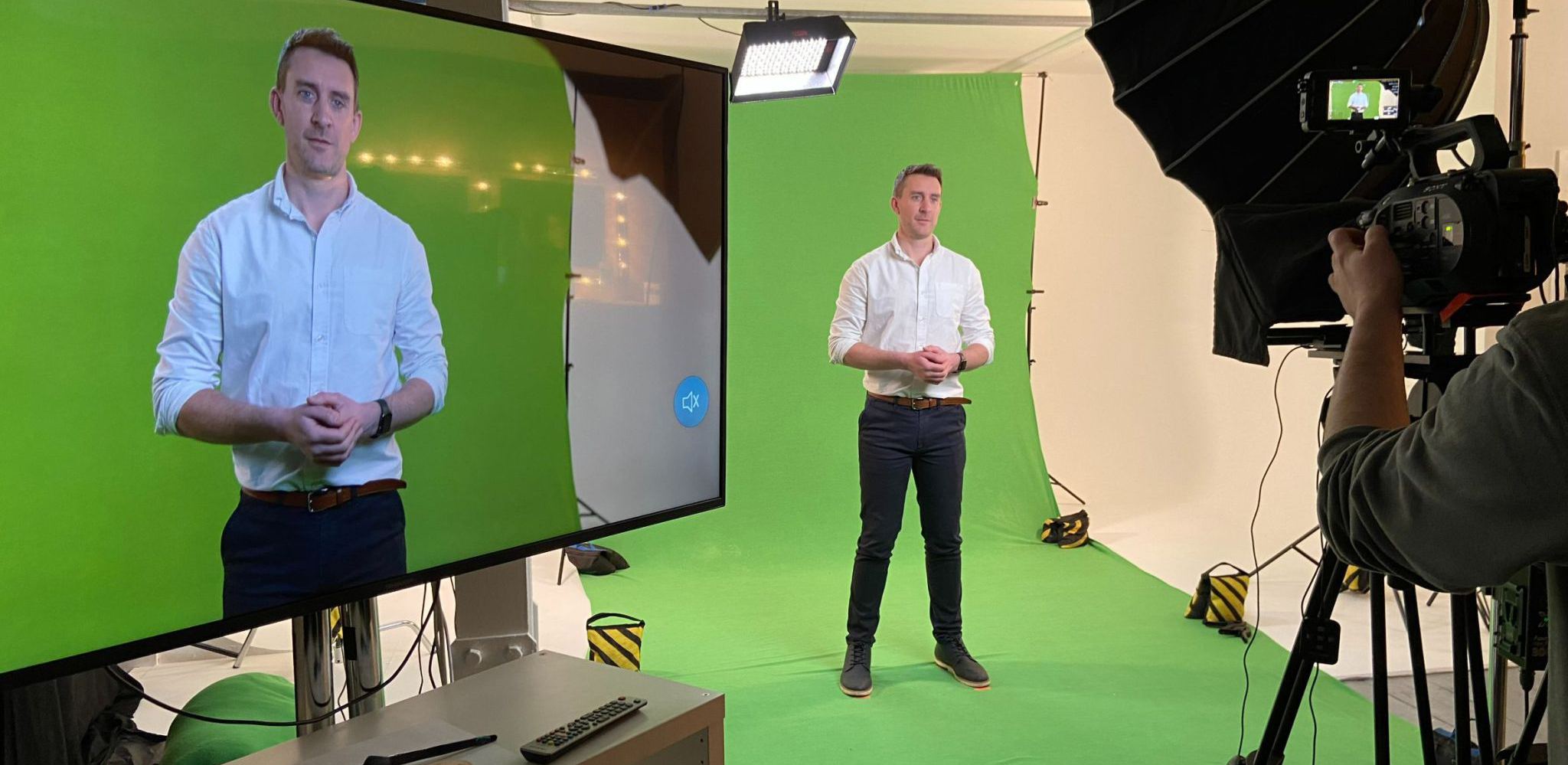
Be prepared for a film day
Be prepared for a film day. You want a 2-minute testimonial or product explainer video and you've arranged the presenter, got sign-off on the script and agreed on a location but don't actually know what happens during the shoot?
Here's a rough guide to what you can expect and how to prepare.
Time to be prepared
The end product might only be 2 minutes (and that's because people's attention spans watching online videos can be short) but to get that 2 minutes will likely take an hour of actual filming, 2 hours of setup, an hour of breakdown and potentially a few interruptions along the way. So whilst you may not need to be there for the whole time, expect a camera crew to take a minimum of 4 hours and add an additional hour for each additional presentation you might be doing. If you can let the camera crew in early they'll appreciate it.
Space
Both in terms of area for filming and for equipment, camera crews do not travel lightly. A 3-man crew are likely to bring 2 or 3 cameras, sliders, 4 or 5 heavy-duty tripods, big lights and a load of additional kit for them to do their job. It's like the Kardashians arriving at Heathrow terminal 2. So space to unpack and store all their kit is highly useful (although they can be flexible, it just takes more time). Then you need the filming area. Your Director should be able to maximise the space available, but work with them to find a spot that is clean, has plenty of electrical sockets, is clear of clutter, as light as possible and… quiet. One of the biggest interruptions in filming is noise from other people walking, on phone calls or making their Double Frappuccino.
Clothing
This might all depend on the industry you're in and the environment filming is taking place but a good rule of thumb is to ask anyone on camera not to wear thin stripes as it causes strange patterns called moire on cameras. Ideally, solid colours work best and ideally avoid green and bright white. It's also worth having a change of clothes available (if possible) in case of spills, creases etc. And try to avoid logos or anything that could be considered offensive to others. Let your camera crew know if your presenter wears glasses in advance and a rough height, so they can position lights and tripods accordingly.
Audio
Your camera crew should provide the best options for your environment, occasionally this might be a boom mic held out of shot over the presenter or a directional mic on the camera itself but if the location is suitable they'll use lapel mics. These attach to the speaker's clothing close to their face to pick up the best audio. Attaching these is fairly straightforward but often an awkward moment as the battery pack usually clips onto their belt or pocket out of view and the mic itself should go inside clothing to keep wires hidden. More often than not, the presenter can do this themselves but on occasion be prepared to help or find an appropriate colleague that can help position the mic and maintain the speaker's dignity and composure.
Autocue and retakes
Talking to camera comes more easily to some people than others and it's not necessarily the normally confidant presenters that are naturals. Take time to make your presenter feel comfortable, explain what the video is for perhaps and who everyone is and preferably help them be prepared by providing the script in advance. Make them feel like everyone is on their side and critically, not rush. It's likely if they're reading from an autocue that they'll trip over a word or two, maybe say a word that wasn't in the script or run out of breath on a really long sentence. Depending on their experience they might panic over the slightest mistake and it's everyone's job on the shoot to assure them that a) everyone does it b) they might well make the same mistake a number of times (in these cases it's often handy to skip that section and come back to it) and c) there's no rush. Take a deep breath and try again.
It's also quite likely that you'll capture short sections at a time instead of the whole script. Maybe even capture different styles of presenting the same information. And, have someone tracking the script as the presenter narrates it to ensure they stick to the script or the change they may have made still makes sense.
Be prepared for B-roll
Often, additional footage of the surrounding area (b-roll) makes a video more engaging to watch. If you're a manufacturer they might capture some of the products being built or meetings for service-based companies. For this either the same camera crew will need permission to explore the area after the presentation (and may need accompanying and safety gear) or an additional camera crew can capture these shots whilst the presentation is being filmed.
Every shoot is different but with these tips in mind you can Be prepared, make the most of everyone's time and you and your presenters will have some knowledge of what to expect.
Want to get in touch?
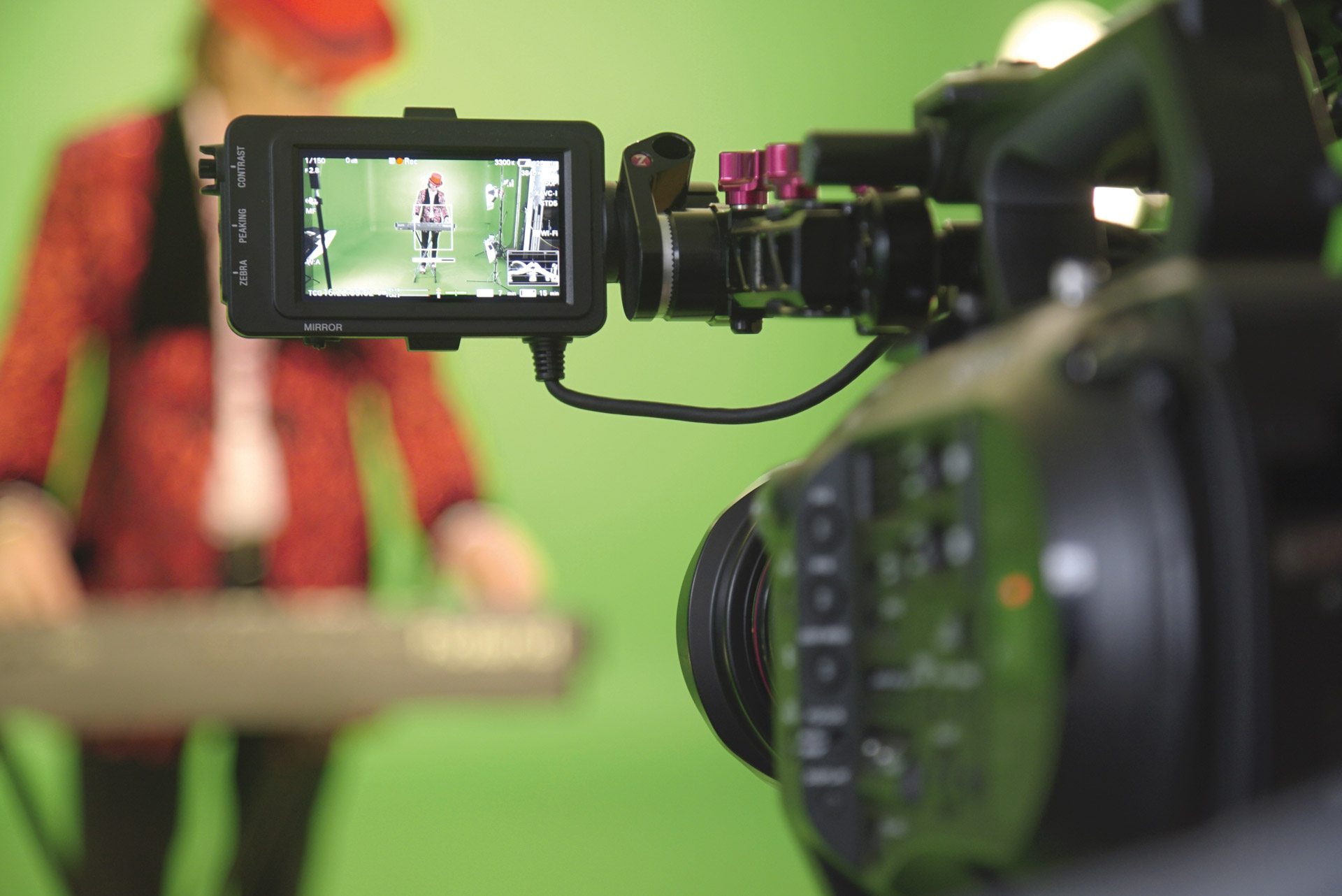
When to use low tech and when to go professional
Technology is constantly evolving and the cameras we now carry around on our phones can be amazing, so do you need to go professional, or can you film your next case study video or product demo on your phone?
Here's 6 reasons to work with a video agency
Go professional for Quality
Phones cameras can be very good but as they've evolved so have professional cameras. So as computers, TVs and projectors are able to display at 4 and 8k resolutions, your picture quality needs to be pin-sharp and colour rich. Not only that, but having multiple cameras using different lenses gives your video the professional feel and interest that your audience are expecting. Look for camera operators that have proper, sturdy tripods, professional video cameras or SLRs and not anything you can find at your local electronic retail store.
Lights
Selfie lights and ring lights are all good for a video call or posting to social media but when it comes to looking professional on your website, at events or even on broadcasts, professional lighting is a must. Look for a multi-light setup, often 3 to perfectly light your subject and fill in the background and from multiple sides.
Go professional on Audio
You may be surprised to know that audio is the backbone of your video. Not only capturing spoken audio in full clarity but also soundtracks and any other supplementary audio. Professional mics, fitted correctly can allow you to pick up every nuance being said and avoid the surrounding background noise. If your audience can't hear you properly they'll lose attention fast. Look for suppliers that can be flexible using lapel mics and boom arms and not the camera's own audio. Plus ensure an audio technician is listening with headphones to what the camera is actually picking up, nobody wants to finish the shoot and realise the audio was too quiet or an airplane drowned out your speaker.
Direction
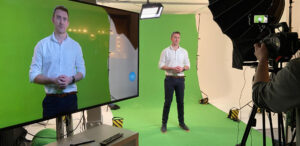
Lights, camera, action? Maybe, but you may be surprised how difficult it can be to deliver once the camera is rolling. This is where an experienced, calm and friendly director comes in. It's their job to ensure you look natural on screen, deliver confidently, get the message across that you intend (you'd be surprised how often what we read and what we say can be different) and that everything that should be in shot is and anything else isn't. For better cost effectiveness look for directors that double up as camera or autocue operators or sound technicians.
Set dressing
What's going on around and behind your presenter can be hugely impactful and depends on the kind of video you want to produce. Most of the time, clean and clear works best so viewers concentrate on your presenter. So look for solid colour, well lit walls, move excessive furniture out of shot and include simple decoration. But on occasion you might want the opposite, a Christmas video might need an entire set built including fireplace, Christmas tree and snow. Either way, look for an agency that pays attention to detail and is happy to shoot on location, in an office or even build sets specific to your needs.
Go professional for motion graphics
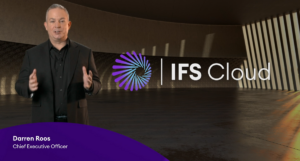
Adding text and graphics in post is a great way to highlight key points of your message. They may include title animations to introduce your speaker and their job title, you might pick out key statistics or a process diagram. Remember to keep graphics simple, suit your brand guidelines and compliment rather than detract from the speaker. Look for agencies that use professional animation software such as Adobe After Effects rather than clip art animations.
And there's your 6 key areas to consider when deciding whether to capture a quick low tech video or to work with a professional video agency.
Want to get in touch?
How Long Should Your Social Media Video Be?
The Definitive Answer: A blog about how to best post videos to reach the largest audience.
As you might expect, video is the most engaging media to post on social media. But how long should your social media video be? Quick answer: there's no definitive answer. But there are some tips you can follow to get the best chance of engagement.
Audience and message balance is king.
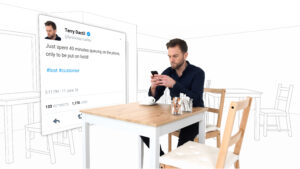
You can find blogs on video length everywhere and they are useful but... They will tell you attention spans are short and anything over 2 minutes is uneconomic. What they don't take into account is context. For example, people quite happily sit in a cinema for 3 hours if the film is good enough. So consider what your audience on each platform will be expecting.
But how long should your social media video be?
TikTok allows up to 3 minutes, Twitter 2 minutes 20 seconds and Instagram 60 seconds - they are fun-packed bursts of content. You'll need a simple message, easily understood and quick to convey.
Facebook allows up to 240 minutes but still, people are expecting fast, disposable information, updates about their friends and videos about cats. Attention spans aren't really very long and selling at people during their own personal time isn't likely to get a positive reaction. So treat it as a B2C platform, make your message light and interesting but don't go into massive detail.
As LinkedIn is a B2B platform your audience is far more receptive to business messages, more detail, serious topics and you get up to 10 minutes for your video. They'll also invest more attention if you pique their interest. Here you can share explainer videos, product launches, business values etc. with a caveat... give your audience enough that they want to know more but don't give them so much that they have no reason to contact you.
So, start with your message and audience. Getting that right will determine your platforms and maybe point you towards having multiple versions of your message.
Double-check your message rings true throughout the video and don't forget a call to action. like this one:
To discuss your video requirements call us on: 01604 621600 or email: studio@ar-media.co.uk
Want to get in touch?
